Delete your E-Red account
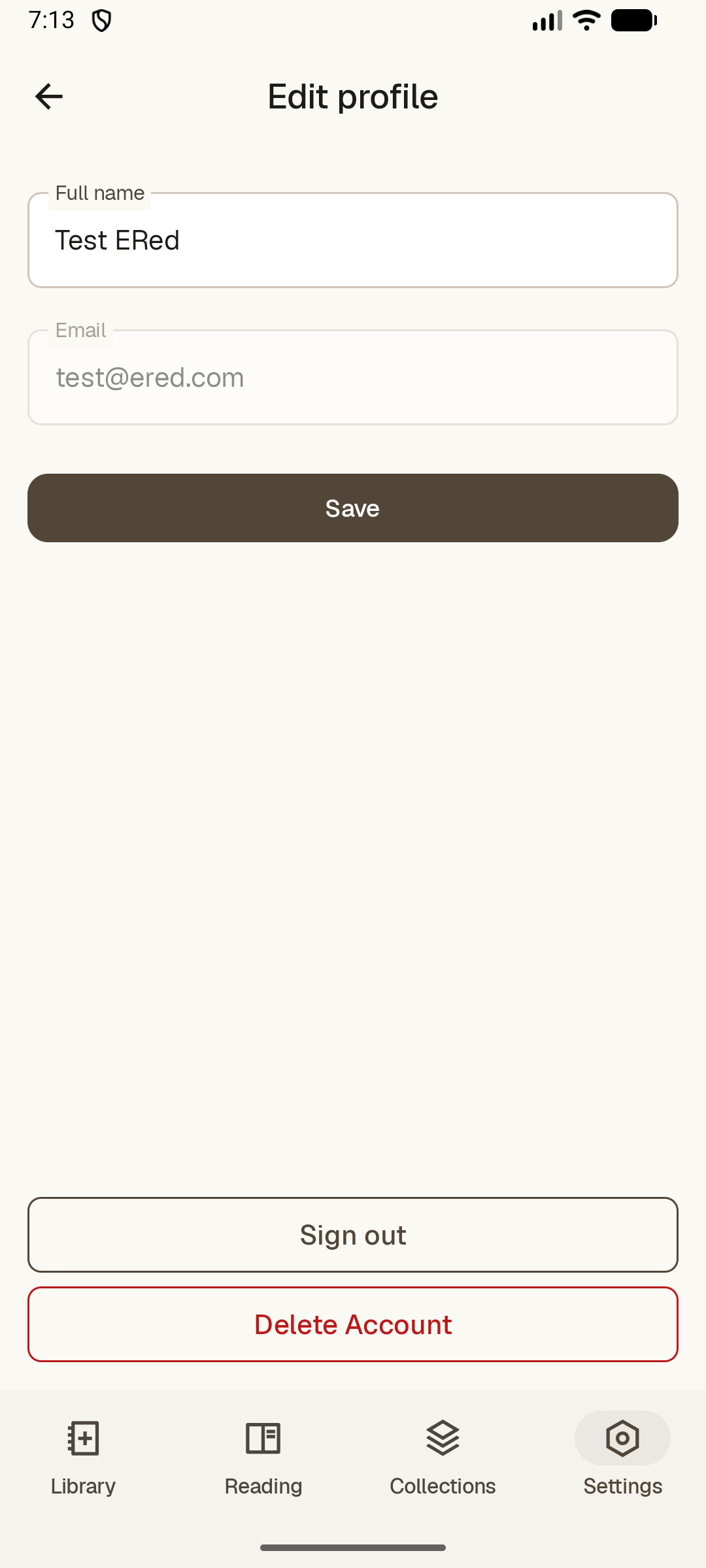
You can delete your optional E-Red account and associated cloud data from the app.
- Open Settings in E-Red.
- Go to Account.
- Tap Delete account and confirm.
This removes your Firebase Authentication account and synced reading data stored in Firestore. Books and reading progress stored only on your device are not affected.
You can also request account deletion by emailing baikoftdev@gmail.com.